
Case study
Nalla Malayalam
A Malayalam children’s bookstore needed a website to sell books. We built the whole store: a storefront, an admin console that photographs its own books, and an API that keeps both honest.

- Client
- Nalla Malayalam - Malayalam children’s books, Kerala
- Scope
- Product, architecture, build, deployment
- Shape
- Three applications, one database, one API
- Stack
- Next.js · NestJS · PostgreSQL · AWS
- Status
- Live on AWS
- Website
- nallamalayalam.in
The brief
Selling books was the ask. Selling Malayalam books was the problem.
Nalla Malayalam publishes Malayalam picture books and story collections for children from birth to age twelve. Books sold through Instagram, WhatsApp and phone calls, and there was no store of their own. Every title has a Malayalam name, and much of the cover art carries dense Malayalam text.
An off-the-shelf shop would have covered the website and little else. Sales would keep arriving over WhatsApp and the phone, and the stock count has to stay right whichever way a copy leaves the shelf. Titles are bilingual, and photographing every book is expensive. The client’s spec also drew a firm line: business logic and security live only in an API, with the storefront and the admin as separate applications that only ever talk to it.
So we built one API that owns every rule, and made both front ends clients of it: a storefront for families and an admin console for the shop. Then we taught the console to photograph the books itself, generating product photos from the book covers.
What we built
Three applications, one source of truth.
Each has a different audience and a different way of going wrong. The two front ends hold no business rules, so neither can decide a price or a stock level on its own.
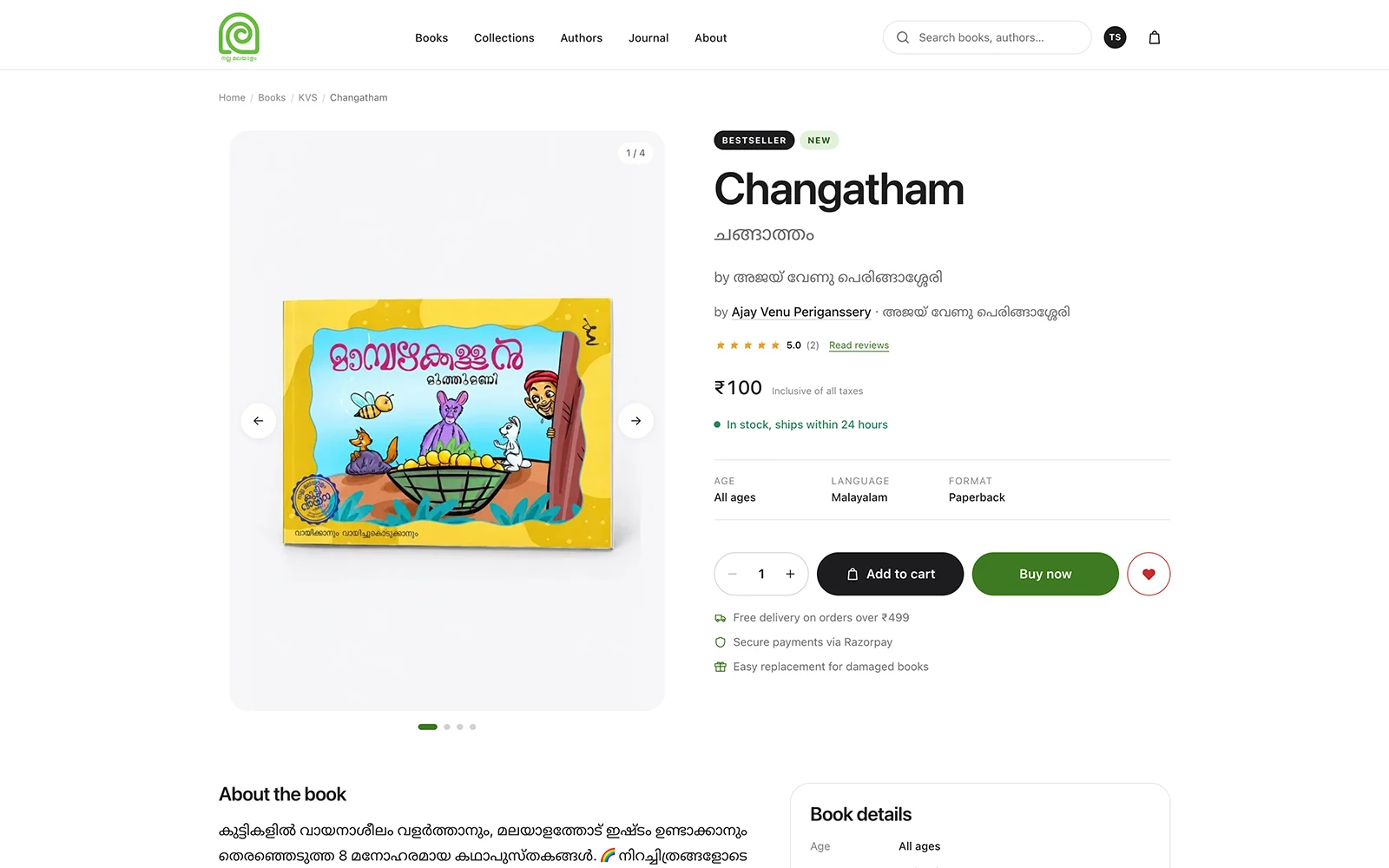
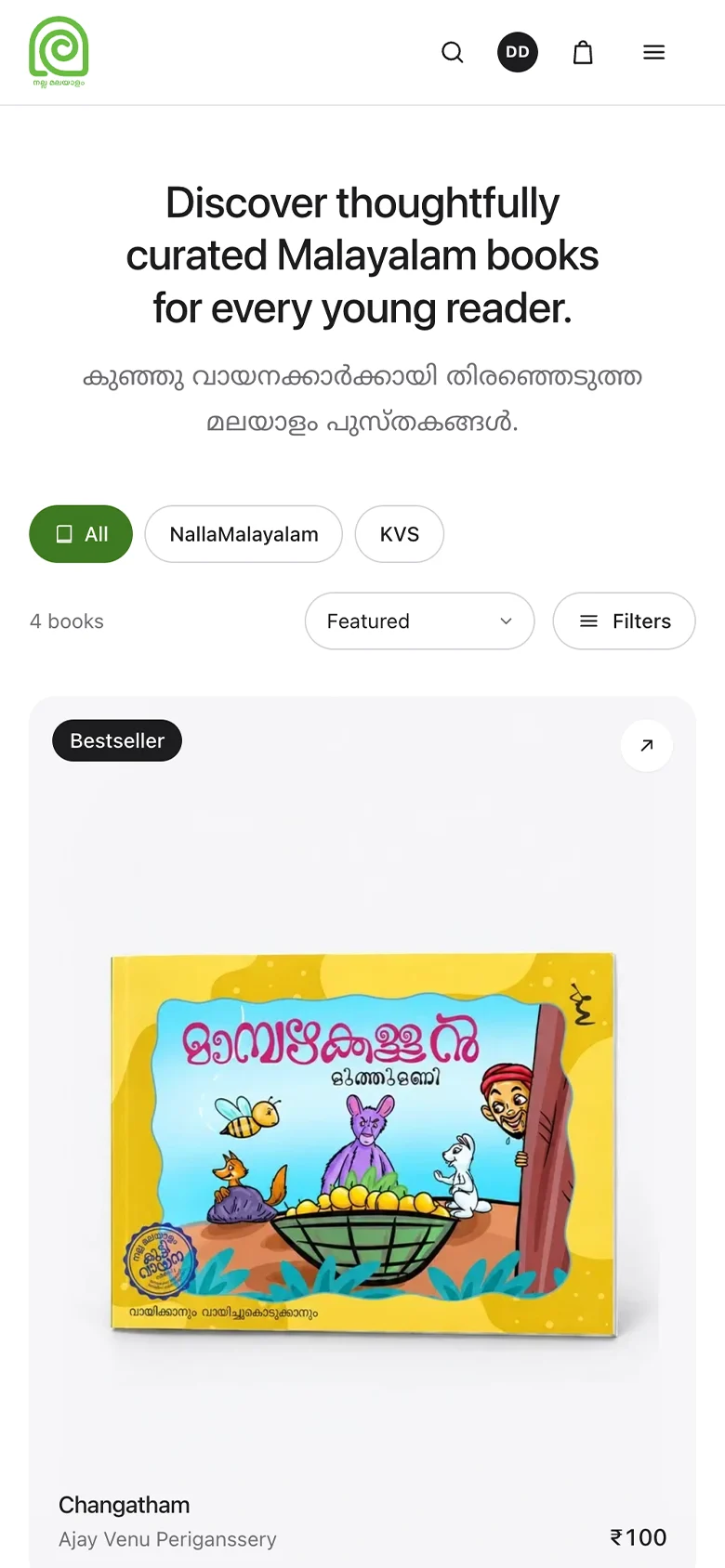
The storefront
Shop by age, category, collection and author, with every title in Malayalam and English, and pay with Razorpay. A Next.js 16 app of twenty-five screens.
- Guest, phone OTP, Google sign-in
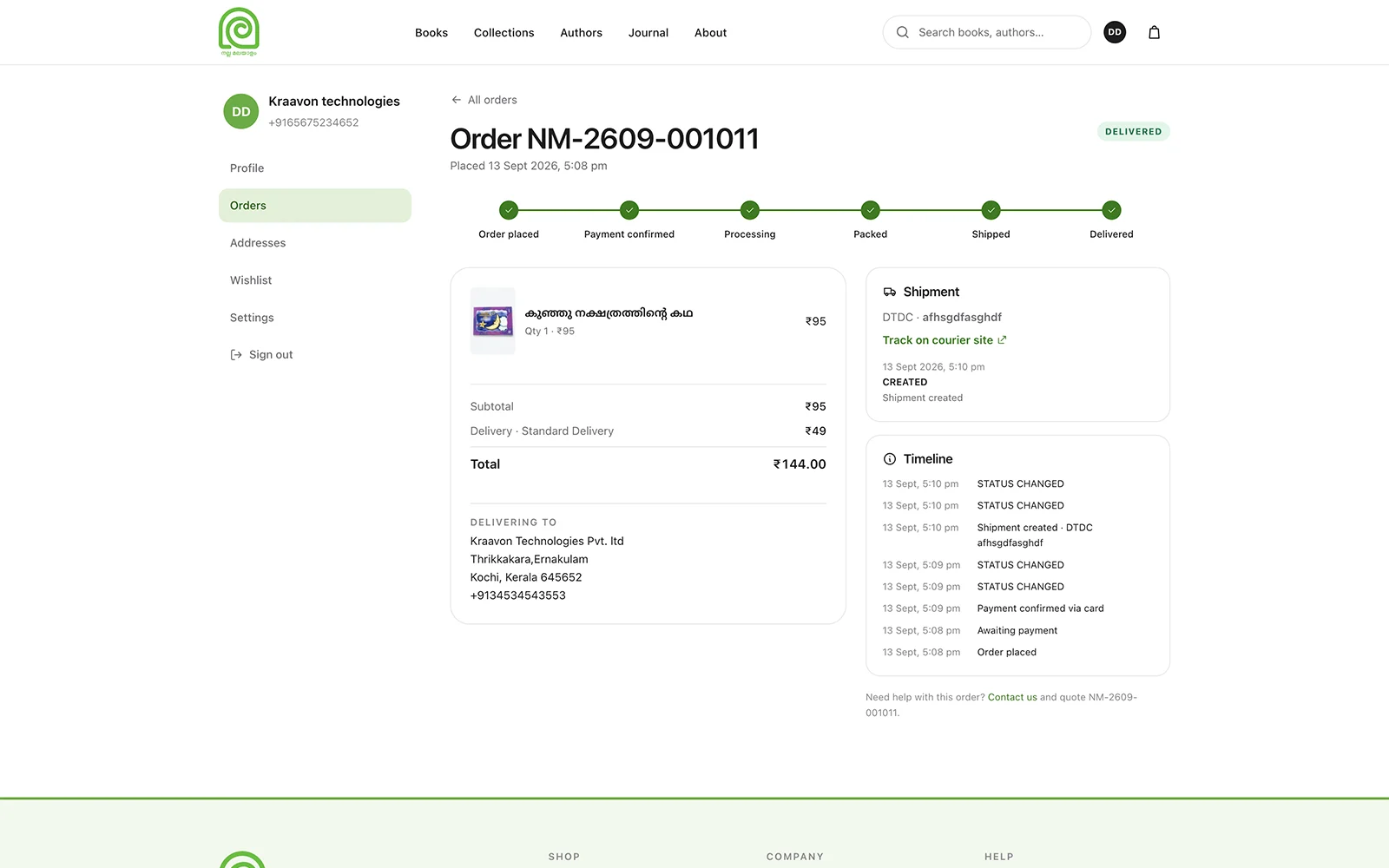
- Orders, addresses, wishlist, profile
- Track an order without signing in
- Blog and structured data
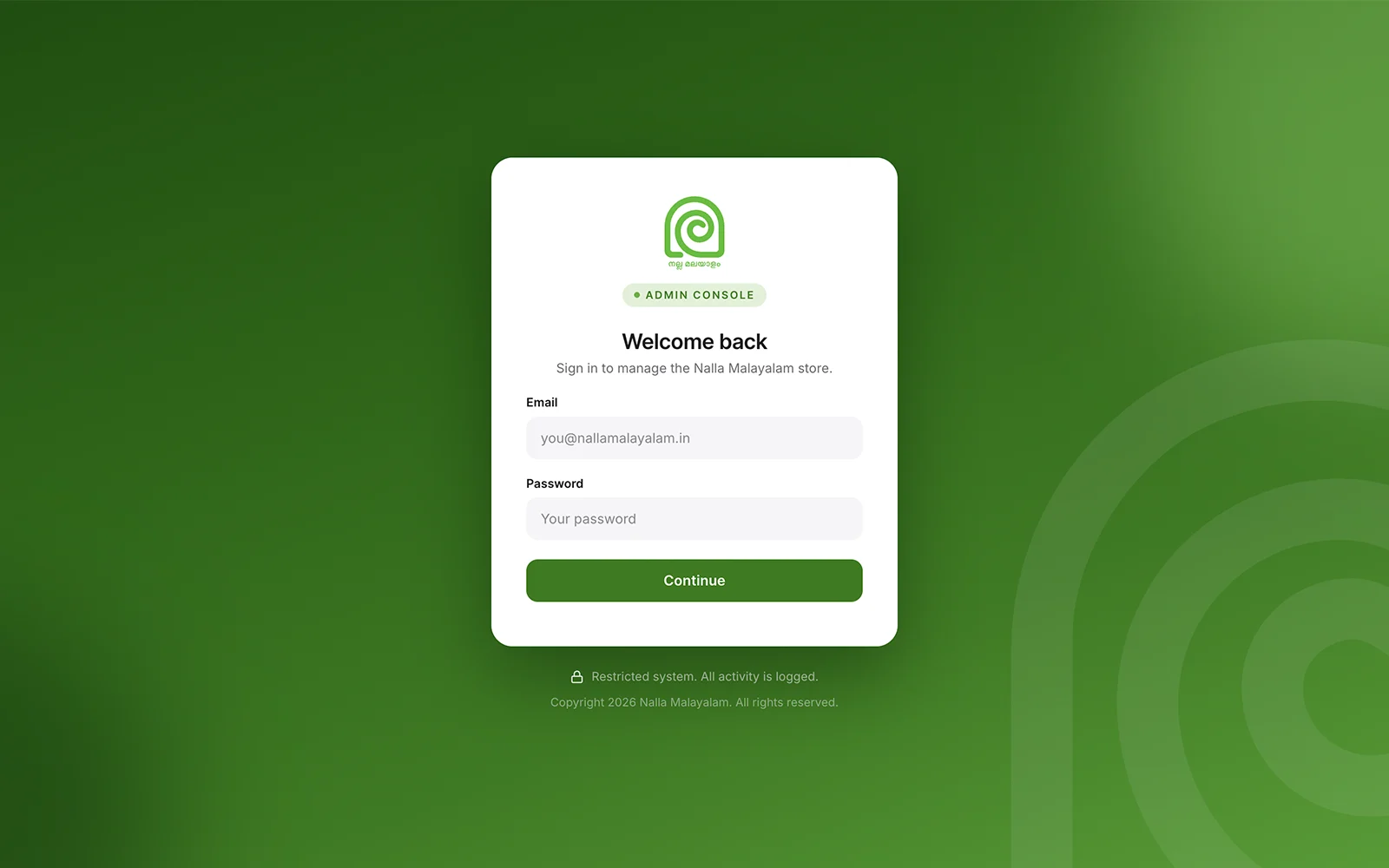
The admin console
Where books are added and photographed, and where Instagram, WhatsApp, phone and walk-in sales, cash on delivery included, become orders. A Next.js 16 app of twenty-four screens.
- AI photos from book covers
- Shipments with courier tracking
- Stock, coupons, offers, banners, blog
- Roles, mandatory MFA, audit logs
The API
Owns the database and every business rule. A NestJS 11 service of one hundred and sixty-eight endpoints.
- Prices, discounts, stock, payments server-side
- Queues for images, email, maintenance
- Email at every order stage
- New-order alerts for the shop
Screens
What families see, and what the shop works in.
The storefront is where families browse, pay and track an order. The console is where the shop adds books, takes phone and WhatsApp orders, and ships them.
Engineering
Six decisions that shaped the build.
Every one of these came from how a bookshop that sells over a website, WhatsApp and the phone actually behaves, not from a demo checkout.
The last copy can only be sold once.
A bookshop with a website and a WhatsApp number is selling the same shelf twice over. Reading the stock level and then writing an order is a race, and the last copy of a title is exactly where it gets run.
Checkout recomputes every total on the server, inside one database transaction, with the inventory rows locked. Stock is reserved the moment the order is created and released automatically if payment never arrives.
Each checkout also carries an idempotency key and a per-customer lock, so a double click or a second open tab cannot turn one purchase into two orders.
A failed payment must not empty the cart.
The first version cleared the cart as soon as the order was written. When the payment gateway then failed, the customer was told their cart had been kept, and found it empty.
Now the cart is cleared only once payment has actually started. A failed order releases its reserved stock and its coupon, so nothing stays held against a purchase that never happened.
The shop should not need a photographer.
Every book needs product photos, and photographing every title is expensive. The shop already has the one thing a photo would show: the cover.
In the console, the admin uploads a book’s front and back cover. The API generates four e-commerce photos from them with OpenAI’s image models: the front, the back, front and back together, and a stacked shot.
Each photo is a queued job the admin triggers on purpose, because every generation costs money. Photos are marked stale when a cover changes, and the prompts behind them are edited store-wide in settings.
Malayalam text is where image models break.
Image models happily redraw a cover’s typography instead of keeping it. Dense Malayalam text, barcodes and ISBNs came back garbled, which on a book’s own product photo is simply wrong.
We tested three model generations against real back covers. We also built a version that pasted the real cover pixels onto a generated scene. The text was perfect, but it looked like a sticker, not a photographed book, so we dropped it.
We kept pure reference-image editing and chose the newest model, the first in our tests to reproduce Malayalam paragraphs readably.
A children’s bookstore still gets attacked.
Attacks do not check what a site sells. An admin cookie, a rich text field and a public form are the same targets on a bookshop as anywhere else.
Cookie-authenticated writes require a same-origin request header, so a form on another site cannot act for a signed-in admin. The API rejects any field it does not expect, and admin-authored rich text passes an allowlist sanitiser.
Admins sign in with mandatory TOTP MFA and act through thirty-nine permissions grouped into roles. Every change lands in an audit log.
The server should never build anything.
The launch server is a single small instance. Building images on it ran it out of disk in the middle of a deploy.
Now GitHub Actions builds the images, tagged with the commit hash. The server pulls the image for exactly the code it has checked out, runs migrations from a separate tools image, checks health, and rolls back automatically if the new version fails.
Architecture
How the shape arrived where it did.
The three applications came from the spec, and everything around them was shaped by a single small server, in this order.
Three repositories, on purpose
The spec kept business rules and security out of the front ends. So the storefront and the admin are separate applications in separate repositories, and the only thing either can talk to is the API.
One box to launch
PostgreSQL, Redis, the API and Caddy run together on a single EC2 instance, with Caddy handling HTTPS automatically. Both front ends are deployed on AWS Amplify.
Uploads leave the box
Images go to S3 through the instance’s IAM role, so no storage keys live on the server. Every upload is re-encoded to WebP, with four smaller sizes alongside it.
Photos get cheaper to serve
A generated product photo went from a 1 MB PNG to about 300 KB as WebP. A storefront card loads an 18 KB version.
Deploys move off the server
When builds exhausted the instance, image builds moved to GitHub Actions and the container registry. A deploy became a pull, a migration and a health check.
By the numbers
What that adds up to.
The stack
Chosen to be boring where it matters.
Nothing here is exotic. The interesting work is in the checkout transaction, the permission model and the photo pipeline, which is where it belongs.
Application
Infrastructure
Services and libraries
In short
Putting books in a cart is the easy version. The real job was a store that sells the same book over a website, WhatsApp and a phone call, and still knows how many copies are left.